Password Reset for Domain joined computers
Estimated Reading Time: < 1 Minute
Password Reset for Domain joined computers
Password Reset for Domain joined computers
- If you are in the office skip the next step and begin at step 3
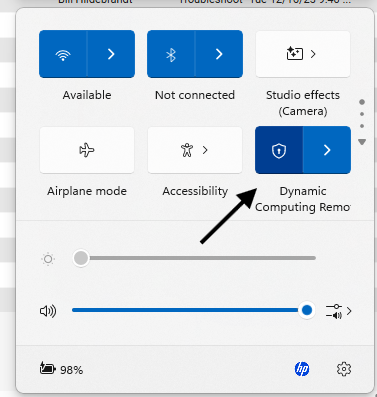
- Connect to VPN as you normally would for remote work. In the bottom right, next to the date and time should be a internet connection symbol. If you click on that it should give an option for VPN connections and you can select the VPN there.
3. Press Crtl+Alt+Del and select Change password
4. Update your password
- Article Status: Consultant Initial Publish